Facebook QR Code Generator
Create a Facebook QR code for your page, profile, or group. Add your branding, a clear follow prompt, and useful links, then track scans from your dashboard.
What Is a Facebook QR Code?
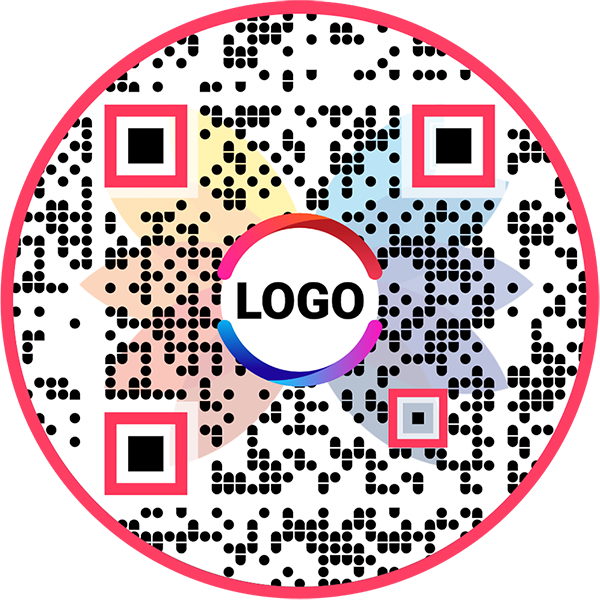
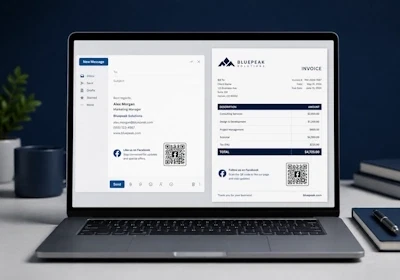
A Facebook QR code sends users directly to your Facebook page, profile or group with one scan. Instead of asking users to search for your name manually, you can place a scannable QR code on your print, packaging, store, event, or digital materials.
When someone scans the QR code, they can open your Facebook destination, follow your page, like your content, message you, or engage with your brand depending on your Facebook page, profile, or group settings.
Facebook QR codes are useful for businesses, creators, agencies, local stores, restaurants, events, and teams that want to turn offline attention into Facebook followers and engagement.
How Does a Facebook QR Code Work?
From the moment you create the code to the moment someone follows you, here is the full path a Facebook QR code takes.


See How a Facebook QR Code Works
Promote your Facebook page and increase your followers and social engagement

Key Features of the Facebook QR Code Generator
Grow your Facebook audience faster with QRCodeChimp. Create, customize and track Facebook QR codes that deliver real results for your brand. Here are the key features of our solution:



Best Practices for Facebook QR Codes
Improve scan rates and make the post-scan experience clear, useful, and trustworthy.
Use clear scan context
Tell people why they should scan. Add short nearby text such as “Scan to follow us on Facebook” or “Scan for updates on Facebook.”

Keep the QR code easy to scan
Use a clear size, high contrast, and enough white space around the QR code. For print materials, test the code from the actual viewing distance.Make the design recognizable
Add your logo and use brand colors carefully. The design should look attractive without making the QR code difficult to scan.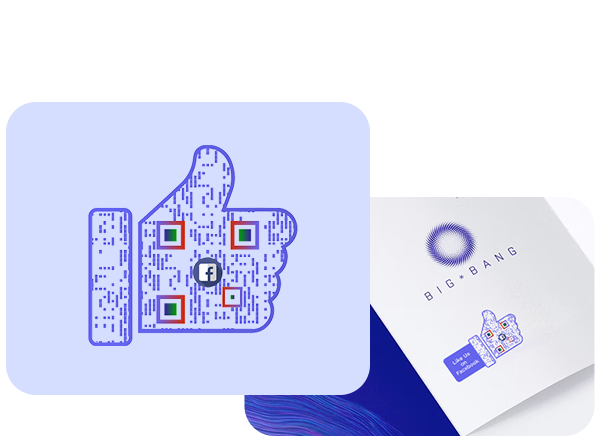
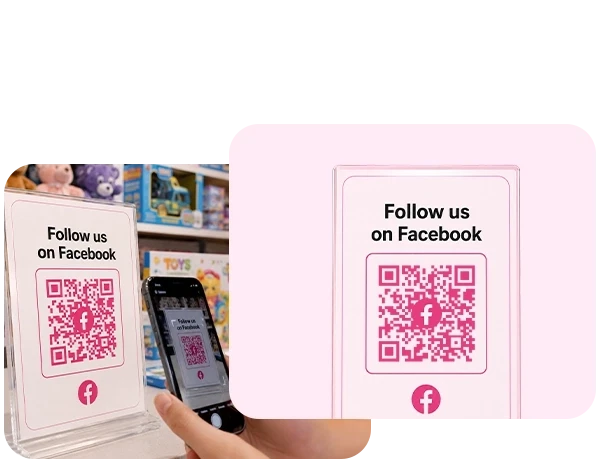
Place it where intent is high
Use Facebook QR codes where people are likely to engage with your brand, such as checkout counters, packaging, event booths, and after-service touchpoints.Test before printing
Scan the QR code on different devices before using it in production. Check the Facebook URL, display page, logo, and scan experience.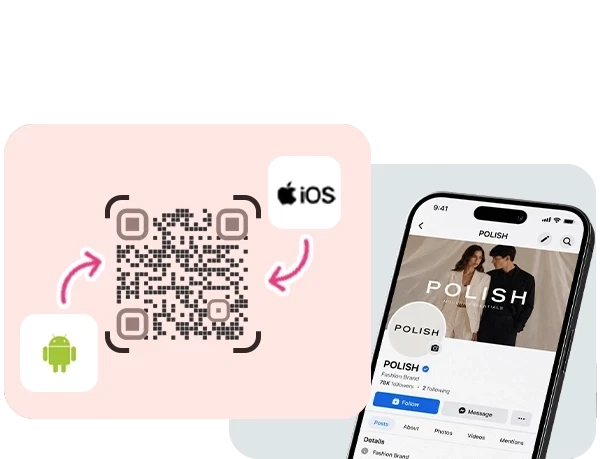
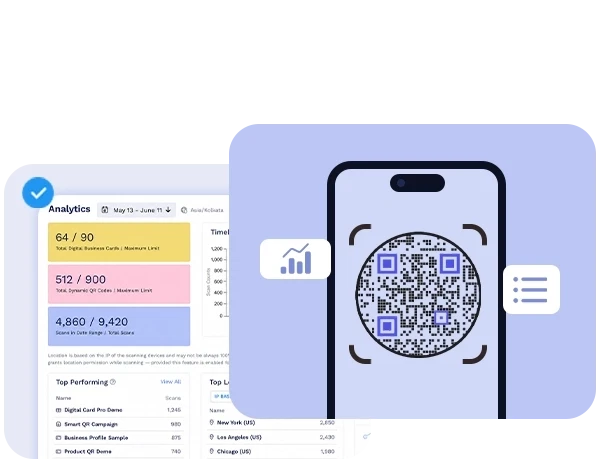
Review analytics regularly
Check scan data to see which placements work best. Use the insights to improve future campaigns and remove low-performing placements.Benefits Of Facebook QR Codes
Use Facebook QR codes to connect offline audiences with your Facebook page, profile, or group.
1️⃣
Make Facebook Pages Easy To Find
People do not need to type your name, search manually, or choose between similar Facebook pages. They can scan the QR code and reach the right destination instantly.
2️⃣
Turn Offline Audiences Into Followers
Add Facebook QR codes to packaging, posters, flyers, receipts, store displays, and event materials to bring offline audiences to your Facebook page.
3️⃣
Increase Likes, Follows, and Engagement
A clear Facebook QR code gives people a quick way to follow your updates, like your posts, message your business, or explore your community.

4️⃣
Track Scan Performance Across Campaigns
Facebook QR codes let you track scans by time, location, and device type. Use this data to understand which placements and campaigns are driving engagement.
5️⃣
Update Facebook Links Without Reprinting
You can update the linked Facebook URL or page details later without changing or reprinting the QR code.
6️⃣
Keep Brand Design Consistent Everywhere
Customize the Facebook QR code with your logo, colors, and design style so it looks familiar, trustworthy, and aligned with your brand.
Where To Use Facebook QR Codes
Use Facebook QR codes wherever people already interact with your brand offline or online.
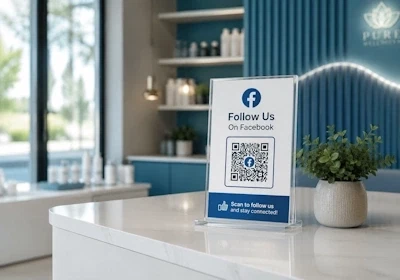
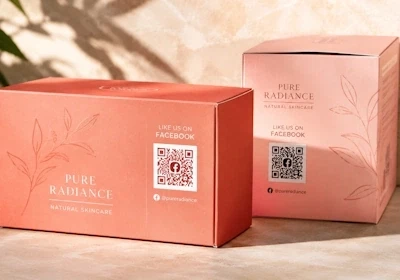

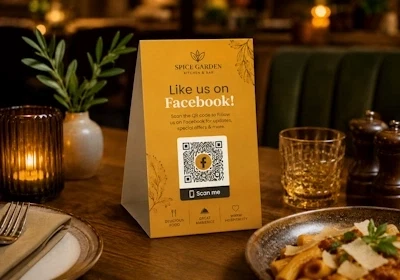
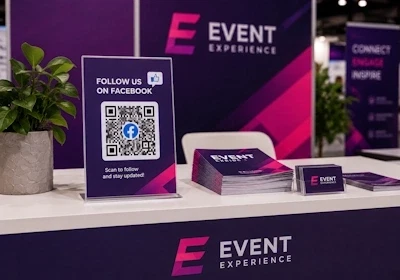
Facebook QR Code vs Social Media QR Code
Choose the right QR code based on whether Facebook is your main destination or one of many social links.
Facebook QR code
Use a Facebook QR code when you want to promote one Facebook destination, such as your Facebook page, profile, or group. It is ideal when your main goal is to increase Facebook followers, likes, messages, or engagement.
Social Media QR code
Use a Social Media QR code when you want to share multiple social media profiles in one place, such as Facebook, Instagram, LinkedIn, YouTube, TikTok, and other platforms.
Explore the Social Media QR Code generator →Frequently Asked Questions
- Can I create a QR code for my Facebook page?
- How to create a Facebook QR Code?
- How can users follow my Facebook page using a Facebook QR code?
- What type of Facebook profiles can I link to a Facebook QR code?
- Why should I use a Facebook QR code?
- Can I track the scans on my Facebook QR code?
- How to share Facebook QR code?
- Can I create a Facebook QR code for a profile or group?
- Can users follow my Facebook page from the QR code?
- Can I add my logo to a Facebook QR code?
Frequently Asked Questions
Can I create a QR code for my Facebook page?
Yes. Paste your Facebook page URL into QRCodeChimp, customize the display page and QR code design, then save and download the QR code.
How to create a Facebook QR Code?
Follow these steps to create a QR code for Facebook that helps you grow your Facebook followers:
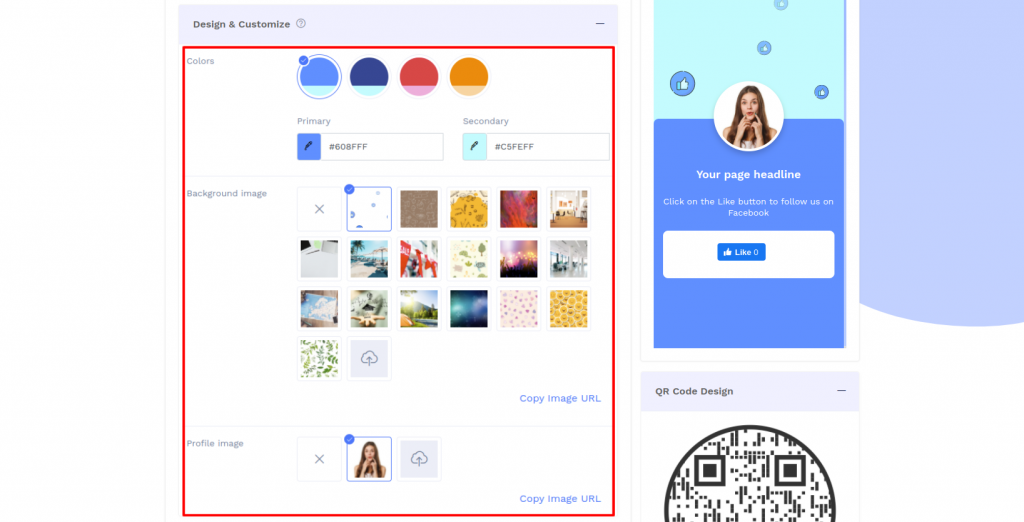
Step 1: Select Color and Background
Design and customize the Facebook display page with colors, background, and profile images of your choice.
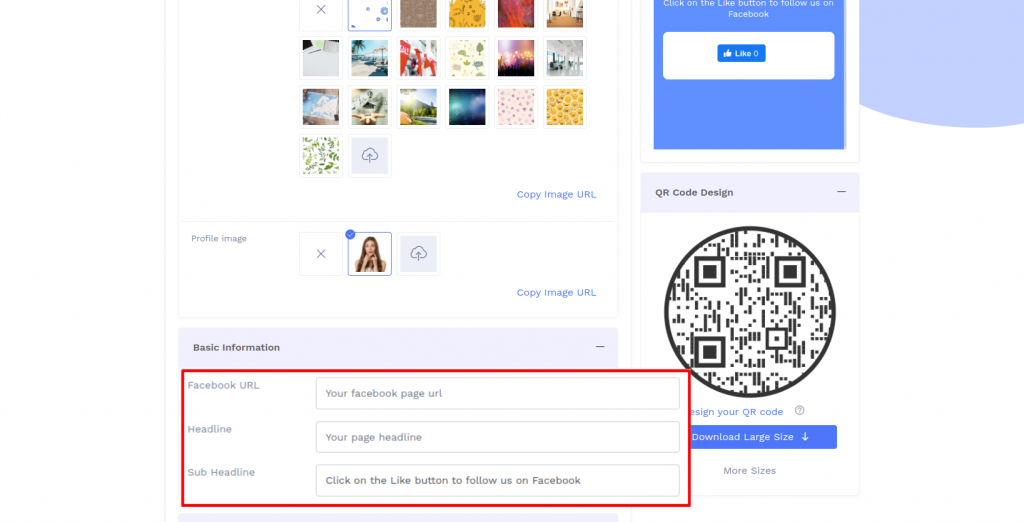
Step 2: Enter Your Basic Information
Enter the basic information details such as your Facebook page URL, headline and subheadline.
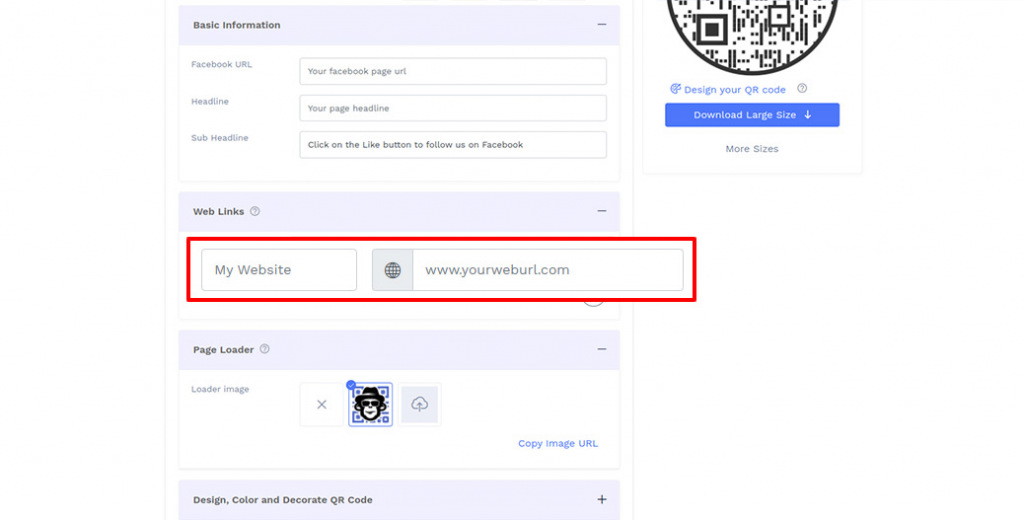
Step 3: Add Web Links
Add web links you want to show on your Facebook display page.
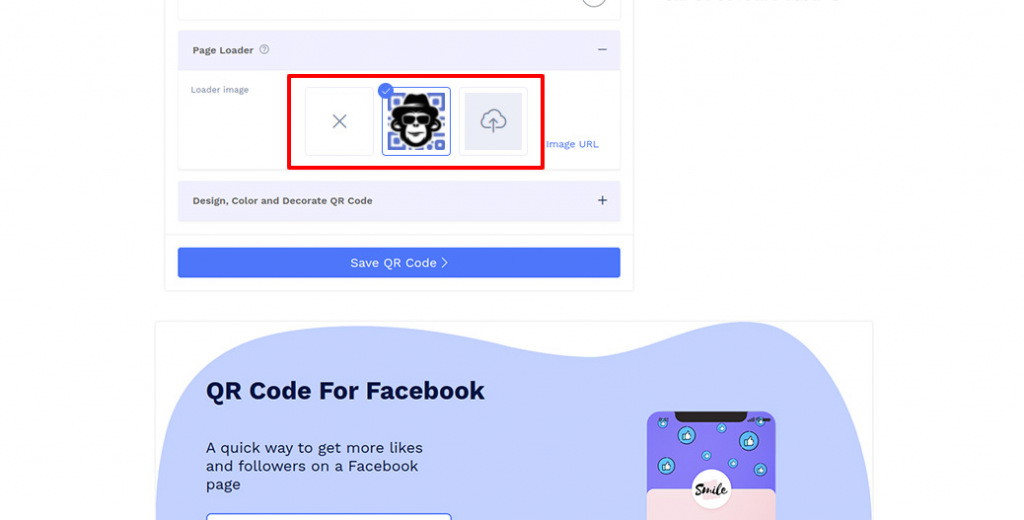
Step 4: Upload Page Loader Image
Select the default page loader image or upload the loader image of your choice.
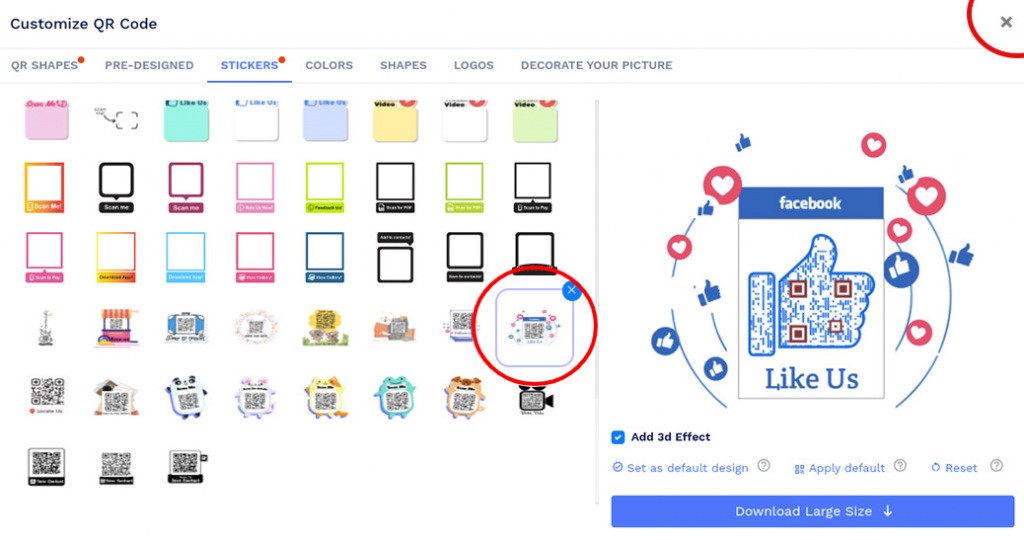
Step 5: Design Your QR Code
Click on 'Design Color and Decorate QR Code' to customize your QR Code design (ex: adding color, shape, Facebook sticker).
Note: Click on the 'x' icon of the 'Customize QR Code' popup to save changes.
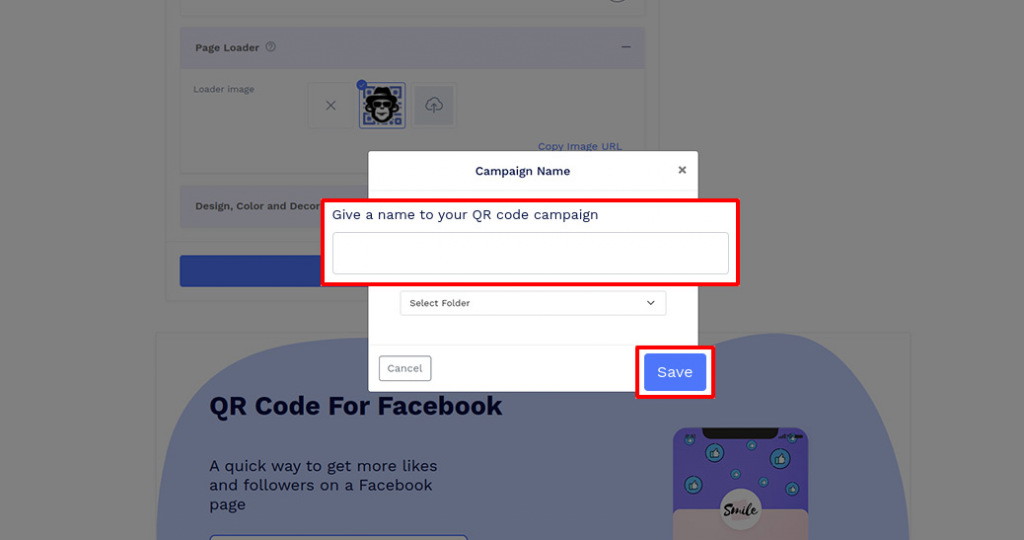
Step 6: Save and Download
Save the QR Code by clicking on the 'Save QR Code' button, entering the QR name, and then clicking on 'Save.'
Note: Make sure to scan your QR Code from different devices (iOS and Android) before printing for production.
How can users follow my Facebook page using a Facebook QR code?
When users scan your Facebook QR code, they'll be redirected to your Facebook profile page containing a Like button for your Facebook profile. From there, they can follow your Facebook page with a single click of the Like button.
What type of Facebook profiles can I link to a Facebook QR code?
Our Facebook QR code generator allows you to create a Facebook QR code for all types of Facebook profiles. These include business pages, celebrity/influencer pages, and personal profiles.
Why should I use a Facebook QR code?
A Facebook QR code is one of the easiest and most effective tools to share your Facebook profile and get more engagement. You can share your Facebook QR code on online and offline channels to reach a vast audience and allow them to follow your page with a single scan.
Can I track the scans on my Facebook QR code?
Yes, you can track the scans on your Facebook QR code. Our dashboard offers time-wise and location-wise analysis to help you determine how often your QR code was scanned and from which location.
Can I create a Facebook QR code for a profile or group?
Yes. You can create a Facebook QR code for a Facebook page, profile, or group, as long as the URL is publicly accessible and works correctly.
Can users follow my Facebook page from the QR code?
Yes. When users scan your Facebook QR code, they can reach your Facebook destination and choose to follow, like, message, or engage depending on your Facebook page, profile, or group settings.
Can I add my logo to a Facebook QR code?
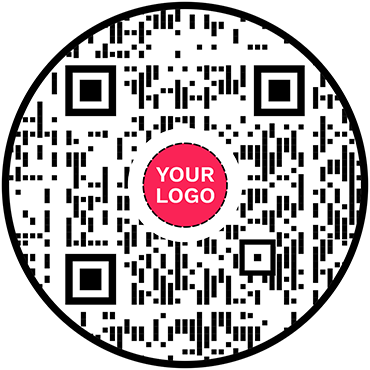
Yes. QRCodeChimp lets you add your logo and customize the QR code design with shapes, colors, patterns, and other design options.
Hear What Our Customers Have to Say!

Very good experience using your services!
QRCodeChimp exceeds all my expectations. With a great variety of features and options, it's difficult to decide which one's my favorite. I like them all, and I'm totally satisfied with QRCodeChimp.
I love the different templates that can be used for the QR code that you offer!
Your site is so user-friendly. I had never created a QR code prior to signing up and now I feel like an expert. So many options and ways to customize. I absolute love it.

Easy to use!
I just made a few QR codes for use in my classroom. Your page was very easy to use.

Love the fact you can bespoke the 'shape' of the QR code away from the BAU square.
Great, really easy to use and I love the company name too. love your name, logo, brand generally and the simplicity of being able to create QR codes for free - just keep up the great work people!
I really enjoy the site.
I'm a teacher and with all the links for students, it can be overwhelming. I use the shape feature the most. I use it for clubs, classes, and sports. Personally, I use it for my singing group.
Your website made it doable for someone like me who is technically challenged.
Thank you for offering a free service. This was for a work project, and I had a quick turnaround time and no extra funds. I will definitely tell others about QRCodeChimp.
Your site provides an excellent experience!
As an exhibition curator, having my artist's artwork listing accessible to visitors through QRCodeChimp is a great experience. You can trust the artists to change the piece's name and resume every day, so having a dynamic QRCode was a must. QRCodeChimp brings exactly this and is Free! Thank you for your implementation.
QRCodeChimp is straightforward and easy to use
Having the ability to show my first client a QR code that linked to the demo page immediately got his attention. I was able to make a QR code for it with a shape for his business and FB page. The ability to put a social media icon in the middle of the QR code to show where that code leads is extremely helpful, as well as being able to create codes in different shapes relating to the client's business and colors similar to their logo or color scheme really helps make them a satisfied client.